

Media, without waiting
Images, audio and video stream straight from the bucket — playback starts immediately, and seeking jumps anywhere without a download.
macOS · Linux · MIT
An S3 browser that renders images, audio, video, PDFs, Markdown, source code, CSV and Parquet tables in place. Ranged reads mean a 4 GB video starts playing immediately, and your access keys never leave the machine in cleartext.
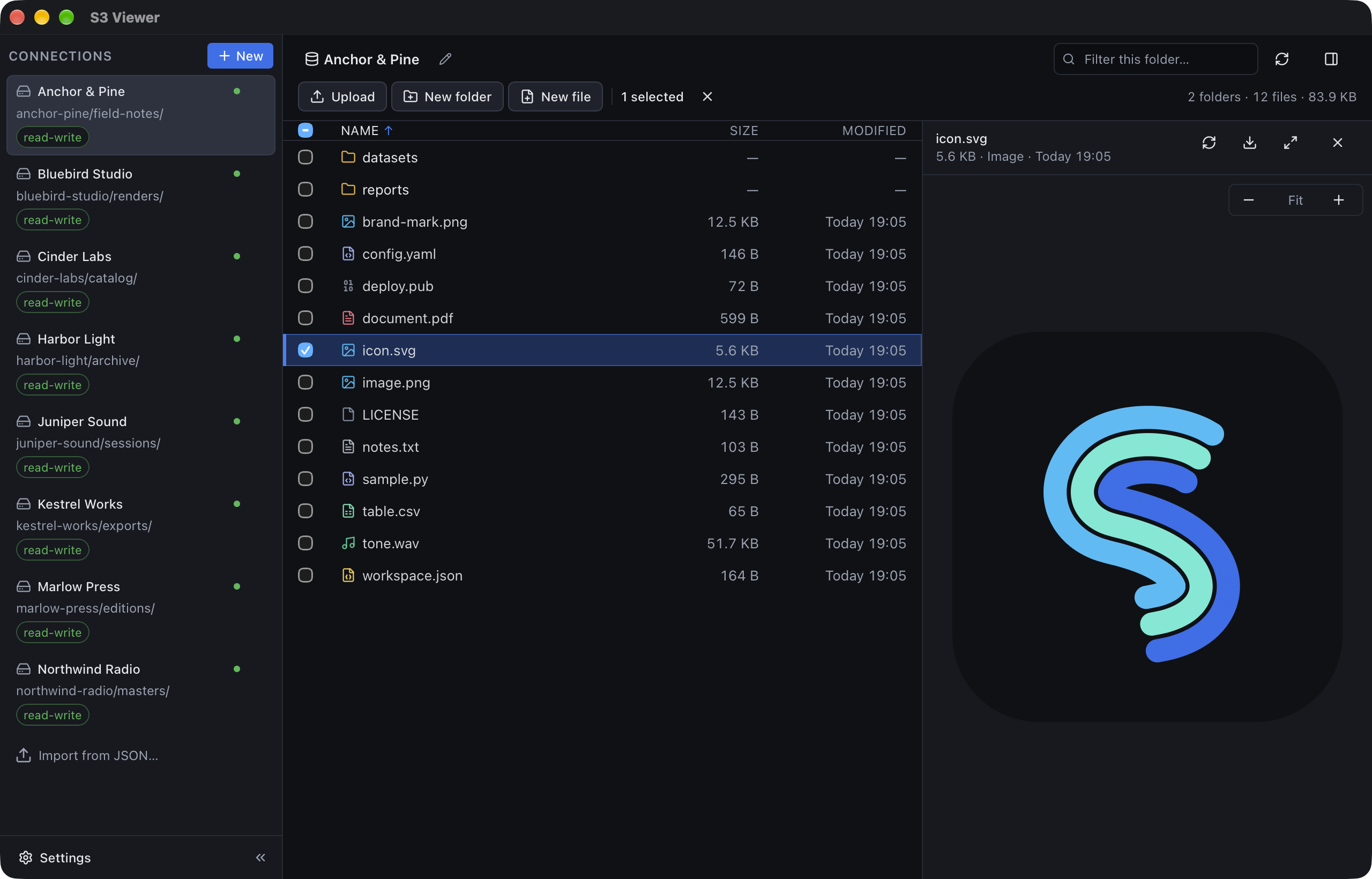
Most S3 tools show you a file name and a size. This one shows you the file.
Images, audio and video stream straight from the bucket — playback starts immediately, and seeking jumps anywhere without a download.

Zoom, fit to width, jump to a page — a long document opens on the page you need instead of being downloaded first.

Markdown, code, JSON and CSV read like they would in an editor. Press ⌘F and search the text — case, whole word, regex — then step through the hits.

See the schema, the columns and the first rows of a columnar file without a notebook or a download.

A prefix with a hundred thousand objects scrolls like any other. Go back and the rows are already there.

Every upload and download shows progress, can be cancelled and can be retried. An upload that would overwrite asks first — file by file or all at once.

Send files, folders or a whole selection to another folder or connection. The copy happens server-side, so nothing passes through your disk.

Every action has a key: arrows move between connections, list and preview; ⌘L takes an address, ⌘F searches inside the preview, ⌘D downloads. No pointer needed.
Linux releases are a .deb and an AppImage in the same release,
and they just run. On every platform the app updates itself: each launch asks GitHub
Releases for a newer version and checks the download against a signing key built into
the app.
0600 inside a 0700 directory, written atomically.Free, MIT licensed, and the source is the same code you run.